Class Index — Configure
The Configure tab defines what the Class Index measures. It controls which classes contribute to the calculation and which properties are required for each included class.
Configuration changes affect future calculations. After changing a configuration, calculate and publish a new result from the View tab before using the Report tab to compare it.
Access and prerequisites
- Select an iTwin and iModel so the page can load the user classes.
- You need the Author entitlement to edit and save a configuration.
- The selected configuration in the Class Index page header is the one shown and edited here.
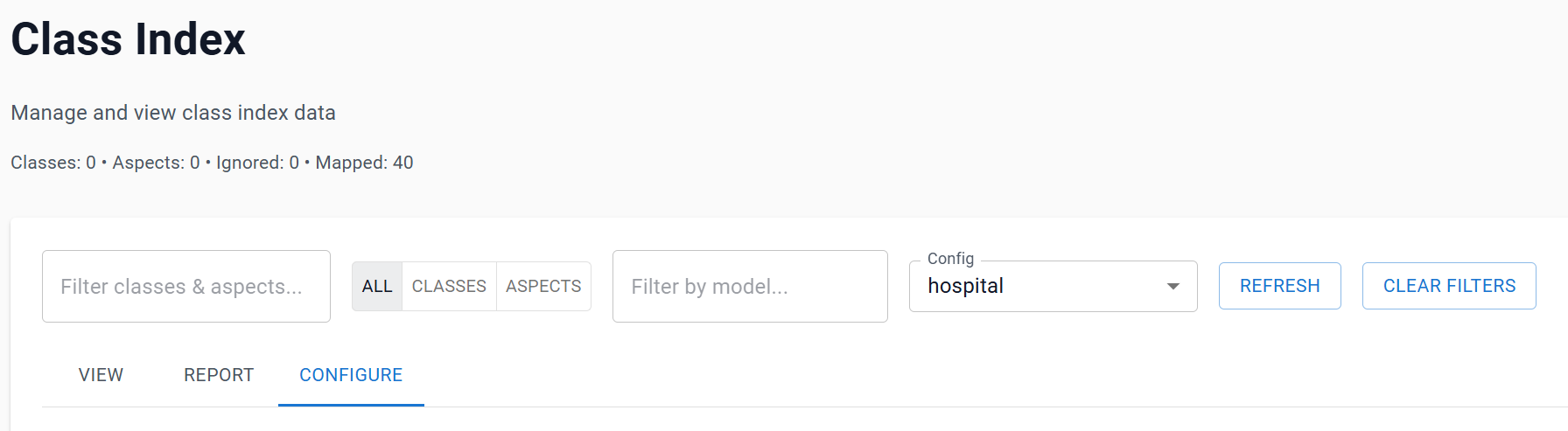
Create or select a configuration
Use the Config selector in the Class Index page header to choose an existing configuration. The Configure tab displays its name in the editable field and shows the selected configuration below the header.
If no configuration exists, enter a meaningful name and choose Add. The application creates a Class Index configuration using the available classes and their discovered properties. You can then refine its class and property rules.
You can change the name and choose Update. If there is a class with the same name you will be prevented from Saving.
Choose Update after making changes. Until saved, edits only exist in the current page state.
Class list
Each discovered class is listed with:
- Class name.
- Number of elements in the current iModel.
- Number of available properties.
- Number of mapped (required) properties in the configuration.
- Ignore, Include, and Map actions.
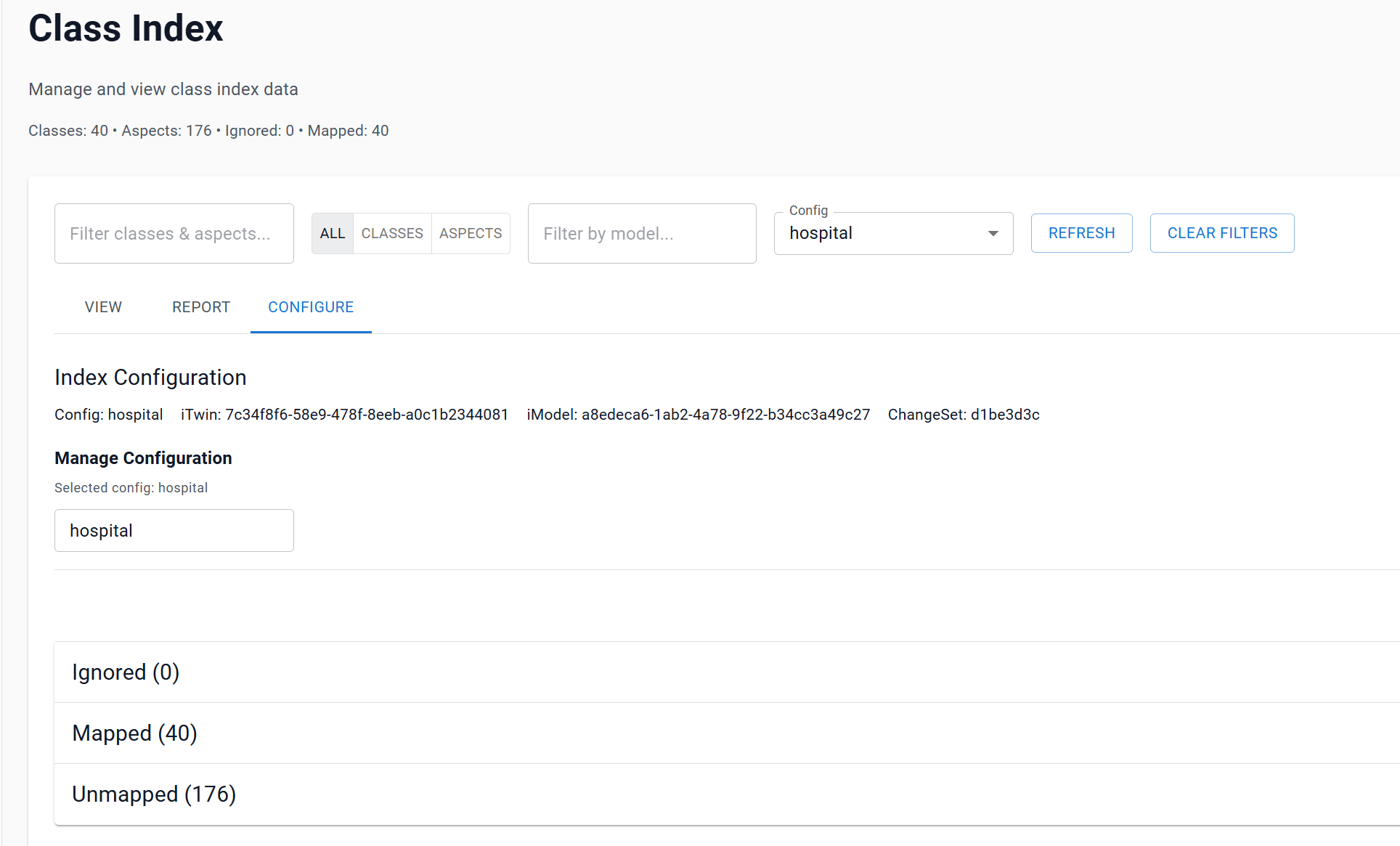
Include and ignore a class
Use Include when the class should contribute to the Class Index. Use Ignore when it should be excluded from the calculation.
Ignored classes do not contribute to the resulting score. This is useful for classes that are not relevant to the information-quality assessment. Avoid ignoring a class only because it scores poorly; doing so can conceal a genuine data-quality issue.
The active button is highlighted:
- A red Ignore button means the class is excluded.
- A green Include button means the class is included.
Map required properties
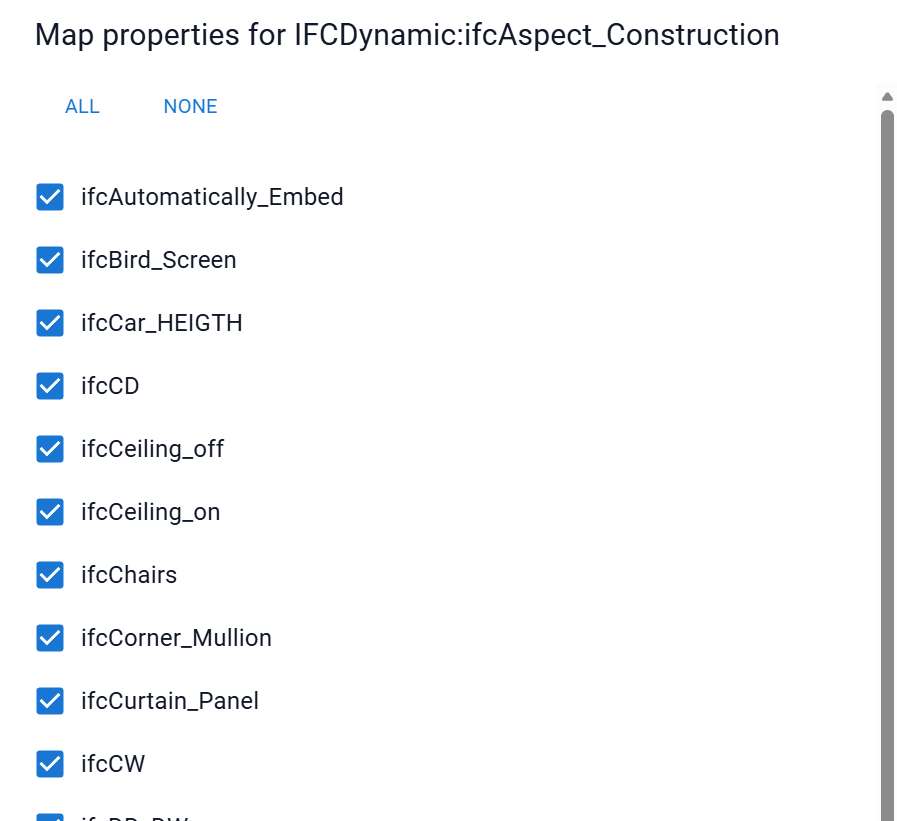
Choose Map for a class to open the property-mapping dialog.
- Review the properties discovered for the class.
- Tick the properties that should be required by the Class Index.
- Use All to require every available property, or None to clear the selection.
- Select Apply to update the class in the current configuration.
- Select Save on the Configure tab to persist the configuration.
The dialog displays property labels when they are available; otherwise it uses the property name. If the dialog reports that no properties are available, the class inventory has no property metadata to map for that class.
Mapping guidance
Map properties that are genuinely required for the class’s intended use. A large map can create a more demanding index and a lower score; that is useful only if all selected properties are meaningful requirements.
For each class, consider:
- Is the class relevant to the project’s information requirements?
- Should it be included, ignored, or reviewed separately?
- Which identifiers, names, classifications, dimensions, or other properties are essential?
- Are the properties available in every model where the class is expected?
The Report tab’s Property Completeness table is a practical way to validate these decisions after calculation.
Save behaviour
When saving an existing configuration, classes without an explicit property selection are populated from the discovered class properties. This makes the configuration usable, but it is still good practice to review and explicitly map the properties for important classes.
After saving:
- Open View and select Calculate.
- Inspect classes and models for unexpected results.
- Select Publish Results when the calculation is ready for reporting.
- Open Report to analyse the published ChangeSet.
Troubleshooting
| Symptom | Check |
|---|---|
| The page is read-only or Save is unavailable | Confirm that you have the Author entitlement. |
| No class configuration is displayed | Select or create a configuration in the page header. |
| Map is disabled | Create/save a configuration first. |
| A class has no mapping options | The source class has no discovered property metadata. Refresh the class inventory and check the source iModel. |