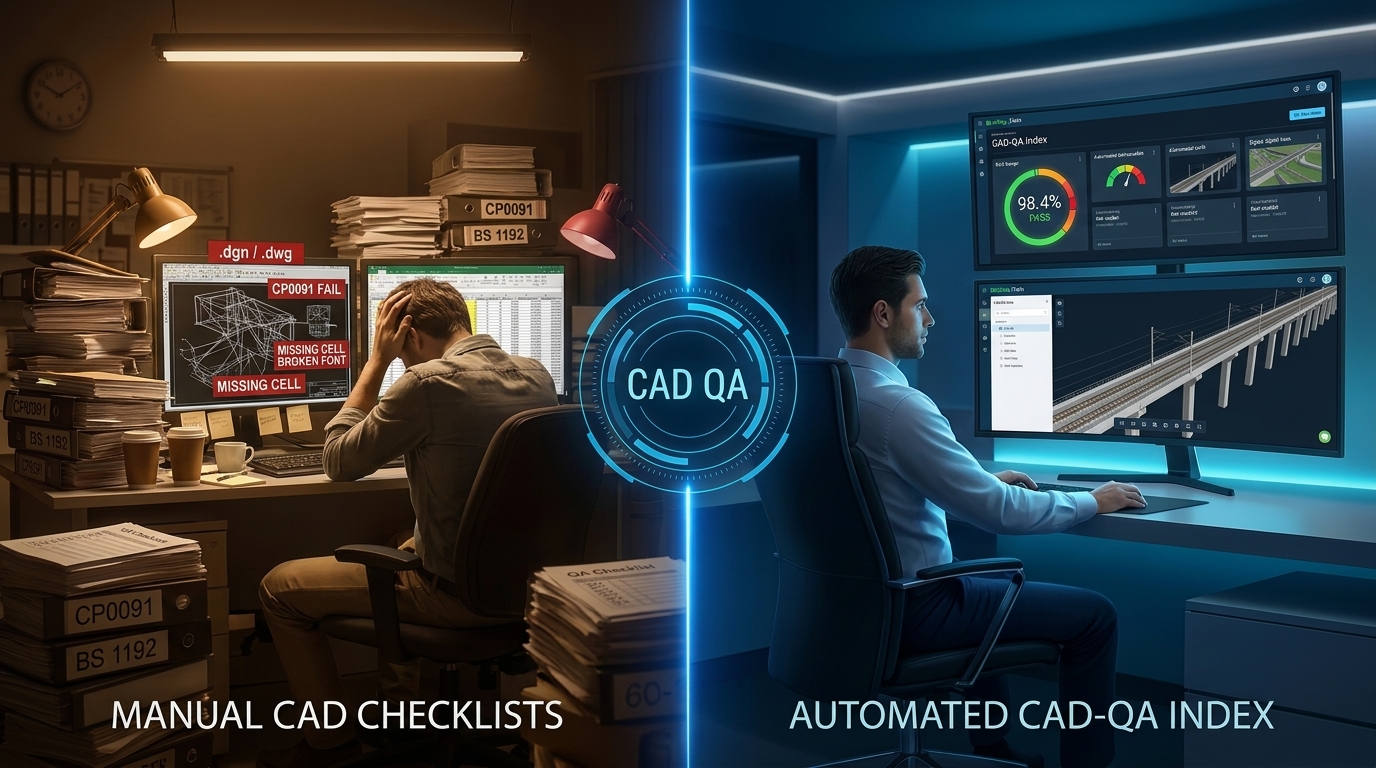
Automating Network Rail CP0091, DMRB GG 184 & ISO 19650 CAD QA Checking in Bentley iTwin
Replacing Manual Friday-Night .dgn and .dwg Spreadsheet Audits with Parameterized ECSQL and RED / AMBER / GREEN Deliverable Gates
Document Reference: CCSMK-CCS-MKT-ZZ-DS-BG-0010
Author: C&C Solutions (CCS) Digital Engineering & Assurance Team
Date: 2026-11-12
Live Application: https://index.itwin.app/cadqa-index
Technical Documentation: CAD-QA Index Documentation Suite
Every rail, highways, and healthcare Information Manager knows what happens at 4:30 PM before a major PACE, GRIP, PCF, or RIBA Common Data Environment (CDE) submission gate.
Across engineering disciplines—Overhead Line Electrification (EP), Track (TR), Signalling (SG), Civil Structures (CV), and Architecture (AR)—dozens of Bentley MicroStation .dgn, AutoCAD .dwg, and federated BIM containers arrive for promotion from Work in Progress (S0) to Shared (S1–S4) or Published (A1–An) under BS EN ISO 19650-2 [^1].
Before the Lead Designer or BIM Coordinator can sign the transmittal QA checklist, someone has to verify whether every single CAD file satisfies the client's Computer Aided Design (CAD) specification:
- On UK Rail Programmes: Network Rail
NR/L2/INI/EDT/CP0091(Issue 4) — Specification for Computer Aided Design [^2] alongsideNR/L3/INI/P3M/131/02document referencing [^3]. - On the Strategic Road Network: National Highways
DMRB GG 184— Specification for the use of Computer Aided Design [^4] and BS 1192 / Uniclass 2015 layer conventions [^5]. - On Public Healthcare Estates: NHS England Digital Estate Exchange Information Requirements (EIR) aligned with the ISO 19650-2 UK National Annex (
NA.2) [^1] and HBN 00-01 [^6].
Historically, delivery teams faced an uncomfortable choice: either burn hundreds of senior CAD technician hours manually opening .dgn and .dwg files against Excel checklists—or sample only 5% of deliverables and risk wholesale CDE gate rejection days later.
Today, we have deployed the CAD-QA Index directly inside iTwin Digital Index (index.itwin.app/cadqa-index) to automate model-by-model CAD and BIM deliverable assurance across your entire digital twin.
1. Why BIM Property Checkers Alone Miss Infrastructure CAD Gate Rejections
In our recent briefing—From 60-Page BEP PDFs to Executable ISO 19650 IPR, IPP & buildingSMART IDS—we showed how machine-readable Information Delivery Specifications (IDS) validate object-level IFC properties and classifications.
Yet on major civil and rail infrastructure projects, a federated model can pass object-level property checks and still be summarily rejected by client document control because of container-level CAD defects:
- Multi-Model & Sheet Violations (
CP0091Cl. 7.2 & 7.3): Placing multiple design models inside a single-MOD-file, authoring live 3D graphics directly inside a-DRG-Drawing File, or bundling extra sheet models instead of issuing one uniquely numbered Drawing File per sheet [^2]. - 4-Attribute Level & BS 1192 Layer Drift (
CP0091Cl. 9.6 /GG 184Cl. 3.4): Elements left on unpurgedDefault,0, orDefpointslayers, or failing Network Rail's mandatory 4-attribute naming convention (<Originating Discipline>-<Element Group>-<Logical Descriptor>-<Status>, such asEP-CV-Foundation-E) [^2] [^4]. - Mixed-Discipline Live Data (
CP0091Cl. 7.4.3 /GG 184Cl. 3.11): Merging reference geometry from another discipline into live model space without re-attributing level ownership, corrupting downstream clash and asset ownership registers [^2]. - Coordinate Grid, 1:1 Scale & Unknown Datum (
Z = 0) Errors (CP0091Cl. 7.5 & 7.6): Models accidentally scaled in millimetres instead of metres (1:1000span blowouts), shifted off SnakeGrid / OSGB36 National Grid bounds, or left floating atZ = 0relative to the height datum [^2] [^4]. - Illegible Plot Colours & Unpurged Constructions (
CP0091Cl. 8.6.3 & 8.9): Live graphical elements left in pure CAD Yellow (RGB 255,255,0)—which disappears when plotted to white PDF or hard copy—or temporaryCONSTRUCTgeometry left switched on in submitted deliverables [^2].
2. Inside the New CAD-QA Index: A Declarative 3-Pillar Architecture (Target • ECSQL • RAG)
Rather than locking rules inside rigid, single-client desktop macros, CAD-QA Index introduces a transparent, multi-authority 3-Pillar Rule Engine powered by Bentley iTwin's Base Infrastructure Schema (BIS) and parameterized ECSQL (read our ECSQL query tuning guide here):
Pillar 1: 12 Canonical BIS Target Dimensions
Every synchronized CAD file in an iModel exposes its file provenance through bis.RepositoryLink (bis.ExternalSourceAspect → bis.ExternalSource), its sub-model partitions through bis.GeometricModel3d and bis.Sheet, its CAD levels through bis.SpatialCategory / bis.Category, its colour symbology through bis.SubCategory, and its 3D placement through bis.GeometricElement3d. CAD-QA Index ships with 12 ready-to-use Target Templates so Information Managers can assemble new authority checks in clicks.
Pillar 2: Parameterized ECSQL with Configurable Regex Tokens
Every rule executes a fast, transparent ECSQL query returning (modelName, elementCount, goodCount, badCount)—with named UI parameters such as {modelRegex}, {levelRegex}, {minEasting}, and {allowedScaleDenominators}. Need to adapt a file-naming regex for a joint venture without touching SQL? Edit the regex parameter directly on the Configure tab and preview the compiled ECSQL instantaneously.
Pillar 3: Contractual RED / AMBER / GREEN Gates & Auditable Variations
Real infrastructure standards distinguish between non-negotiable submission blockers and variation-eligible requirements. In Network Rail NR/L2/INI/EDT/CP0091 Clause 4 [^2]:
RED — BLOCKER(2.0xWeight): Mandatory requirement with zero variations permitted. A single failingREDcheck marks that CAD deliverableRED (Rejected).AMBER — VARIATION(1.0xWeight): Standard requirement where project-specific variations are permitted when approved by the Information Manager (e.g., Network Rail TRACKER variations or National HighwaysDMRB GG 101Departures). Recording aVariation Reference,Approved By, andApproval Dateadjusts the rule's score contribution to100%(VARIATION) while keeping the deliverable's gate badge transparently markedAMBERso governance is never hidden.
3. Three UK Authority Presets Shipped Out of the Box (26 Rules)
When you open index.itwin.app/cadqa-index today, three public UK authority presets are immediately available—and any preset can be cloned via Fork as Custom Authority Config to create HS2, Transport for London (TfL), Environment Agency, or corporate CAD profiles:
| Public Preset ID | Authority & Primary Standard | Shipped Rules | Key Automated Checks Included |
|---|---|---|---|
network-rail-cp0091 |
Network Rail — NR/L2/INI/EDT/CP0091 Issue 4 & NR/L3/INI/P3M/131/02 [^2] [^3] |
17 Rules (9 Red, 8 Amber) | Native .dgn check (CP0091-6.1), 1 Design Model per -MOD- (CP0091-7.2), no live 3D graphics in -DRG- (CP0091-7.3.5), single sheet check (CP0091-7.3.7), single-discipline homogeneity (CP0091-7.4.3), Table 7 level ownership (CP0091-7.4.5), Z=0 datum & 1:1 grid bounds (CP0091-7.5.1, CP0091-7.6), TBD/XXXX tag check (CP0091-8.1), ISO A0–A4 & Table 3 scales (CP0091-8.2), 3D DIM restriction (CP0091-8.8.4), SharedCell check (CP0091-8.5), Yellow 65535 colour check (CP0091-8.6.3), CONSTRUCT purge (CP0091-8.9), 4-attribute level regex (CP0091-9.6), 7-field file naming (CP0091-10.1), and Default/0 layer purge (CP0091-10.3.1.3). |
national-highways-gg184 |
National Highways — DMRB GG 184 & BS 1192 / Uniclass 2015 [^4] [^5] |
5 Rules (3 Red, 2 Amber) | 7-field GG 184 .dgn/.dwg container naming (GG184-3.1), BS 1192 / Uniclass <Role>-<Code>-<Presentation>_<Desc> layer regex (GG184-3.4), OSGB36 1:1 metre grid bounds (GG184-3.8), single-role homogeneity (GG184-3.11), and default/construction layer purge (GG184-4.2). |
nhs-digital-estate-cadqa |
NHS England — ISO 19650-2 UK NA (NA.2) & HBN 00-01 EIR [^1] [^6] |
4 Rules (2 Red, 2 Amber) | 7-field ISO 19650-2 UK NA container naming (NHS-EIR-5.1), category hygiene (NHS-EIR-5.3), 3D clinical datum & building span bounds (NHS-EIR-6.2), and construction geometry purge (NHS-EIR-7.1). |
👉 Browse the complete 26-rule clause-by-clause catalog in our CAD-QA Documentation →
4. Illustrative Scenario: From Deliverable File to iTwin Portfolio Sign-Off
To see how the 4-Level Hierarchical Rollup (Rule -> Deliverable Model -> iModel -> iTwin) works in practice, consider an illustrative multi-discipline rail corridor submission containing 24 synchronized .dgn files across Track (TR), Electrification (EP), and Civils (CV):
- Run Per-Model Deliverable Assurance (
ViewTab): Clicking Calculate CAD-QA evaluates all 17 Network RailCP0091rules in parallel batches. Suppose 21.dgnfiles pass everyREDandAMBERgate (GREEN — COMPLIANT), two legacy brownfield survey files trigger anAMBERnaming deviation covered by an approved BIM Manager Variation (NR-VAR-2026-014), and one Electrification model (135076-REP-01-XX-MOD-EP-000019.dgn) failsCP0091-8.9because temporaryCONSTRUCTgeometry was left active (RED — BLOCKER). - Forensic Drill-Down in 1 Click: Expanding the
REDmodel accordion pinpoints the exact failing clause (NR/L2/INI/EDT/CP0091 Cl. 8.9.1 & 8.9.2) and element counts. Clicking the Console icon opens the exact compiled ECSQL query directly inside Bentley iModel Console (imodelconsole.bentley.com) so the CAD coordinator can isolate the offending elements immediately. - Export Transmittal Evidence (
CSV&JSON) & Roll Up (ReportTab): Once remediated and re-run, the team exports the 22-column Authority Sign-Off Checklist CSV (cadqa-checklist-network-rail-cp0091-*.csv) and JSON Evidence Package, then clicks Publish Results to track changeset-over-changeset CAD quality trends across the entire iTwin portfolio.
(Note on Engineering Transparency: In Digital Index v2.0.6, CAD-QA rules execute directly against synchronized iModel BIS tables—bis.RepositoryLink, bis.GeometricElement3d, bis.Category, bis.SubCategory, and bis.Sheet. Extended 2D bis.DrawingGraphic tag-set inspection and formatted .xlsx/.pdf sign-off certificates are on our published engineering roadmap.)
5. Try CAD-QA Index on Your iModels Today
Whether you are delivering Network Rail PACE/GRIP packages, National Highways PCF stages, HS2 civil structures, or NHS hospital digital twins, you can automate your CAD QA gate today:
- 🚀 Launch Live Application: https://index.itwin.app/cadqa-index (Sign in with your Bentley IMS account, select an iTwin & iModel, choose
CP0091,DMRB GG 184, orNHS EIR, and click Calculate CAD-QA). - 📖 Read the Full Technical Docs: CAD-QA Index Overview, Configuration & Rule Catalog
- ✉️ Want a Guided Walkthrough or Custom Authority Preset? Email our engineering team at help@candcsolutions.co.uk and we will help you configure your project's CAD standard.
References & Primary Standards Citations
[^1]: British Standards Institution (BSI) (2018/2021): BS EN ISO 19650-2:2018 — Organization and digitization of information about buildings and civil engineering works, including building information modelling (BIM). Information management using building information modelling. Part 2: Delivery phase of the assets (incorporating UK National Annex NA.2 Information Container Identification).
[^2]: Network Rail (2018): NR/L2/INI/EDT/CP0091 (Issue 4, 01 December 2018) — Specification for Computer Aided Design (Clause 4 Red/Amber/Green Variation Governance; Clauses 6–10 Model Seed Structure, 4-Attribute Level Naming Tables 6–8, Standard Scales Table 3, and Colour Symbology Tables 4–5).
[^3]: Network Rail: NR/L3/INI/P3M/131/02 — Document Referencing and Information Container Naming Convention.
[^4]: National Highways (2020): Design Manual for Roads and Bridges (DMRB) GG 184 — Specification for the use of Computer Aided Design. Published via Standards for Highways: https://www.standardsforhighways.co.uk/
[^5]: British Standards Institution (BSI): BS 1192:2007+A2:2016 — Collaborative production of architectural, engineering and construction information & Uniclass 2015 classification tables (NBS).
[^6]: NHS England (2014): Health Building Note (HBN) 00-01: General design guidance for healthcare buildings & NHS Digital Estate Exchange Information Requirements (EIR).
#NetworkRail #CP0091 #DMRB #GG184 #ISO19650 #BS1192 #CADQA #MicroStation #DGN #BentleyiTwin #DigitalEngineering #BIMManager #DataQuality